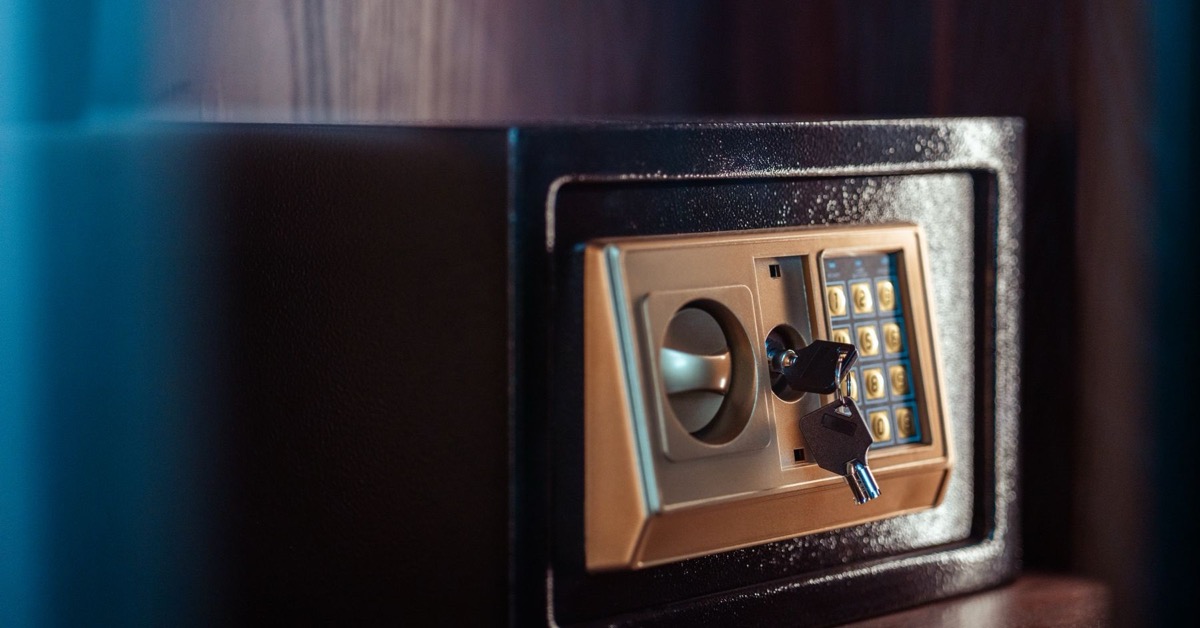
Photo by khezez | خزاز via Pexels, used under the Pexels License. Cropped and resized by Iron Saddle Armory. This generic electronic safe is editorial context, not the recalled product or a verified firearm-storage model. Keep backup keys controlled and unavailable to unauthorized people when not in use.
A gun safe is easy to mentally file under “solved problem.” You bought it, set it up, and gave it a corner of the house. Over time, it can become easy to overlook during routine maintenance.
The problem is that locks are products, and products can fail, wear, lose power, get recalled, or stop matching the household around them. A five-minute check can confirm that the storage setup still works as intended.
First, check the current biometric-safe recall
On July 9, 2026, the U.S. Consumer Product Safety Commission recalled about 9,100 BBRKIN and MouTec biometric firearm safes because the biometric lock can be opened by unauthorized users. The CPSC recall covers:
- Model QHXP029B
- Serial numbers SQC200034980 through SQC202319171
- Gray steel safes sold on Amazon from March 2020 through February 2024
The serial-number label is on the lower-right corner of the safe’s front, according to CPSC. No incidents or injuries have been reported for this specific recall.
If you own an affected safe, follow the official remedy rather than improvising a test. CPSC currently says to stop using the biometric feature immediately, remove the safe’s batteries, use only the key when storing firearms, and contact BBRKIN for a free repair kit. Check the recall page itself for the current instructions and contact details.
This is not proof that every biometric safe is defective. It is proof that “it worked when I bought it” is not a maintenance plan. CPSC announced additional biometric-safe recalls in February 2024 and another group in June 2024, following an October 2023 recall. Checking your exact brand, model, and serial number matters more than checking whether the door says “biometric.”
The five-minute storage audit
1. Identify the device
Photograph the model and serial label, then save the manufacturer’s manual and support page somewhere you can find again. Search the CPSC recall database for the brand and model.
Do not rely on product appearance alone. Similar-looking safes can have different locks, firmware, batteries, and recall status.
2. Check access control
Ask who can reach the device, who knows the code, and where every backup key lives. Keys and combinations should stay controlled and unavailable to unauthorized people.
Then consider what has changed since the safe was installed. New children, visitors, roommates, caregivers, contractors, a move, or a family member in crisis can all change the storage problem even if the hardware has not moved an inch. NSSF’s 2026 Gun Storage Check Week guidance makes the same useful point: storage should prevent unwanted access and should fit the owner’s actual living situation.
3. Follow the maker’s functional-check procedure
Before removing any firearm from storage, follow its manufacturer’s unloading and safe-handling instructions. Keep it under your control, remove ammunition from the test area, and secure it in another appropriate locked location that unauthorized people cannot access. If you cannot provide secure temporary storage, do not proceed with the functional check.
With the safe empty, follow the current manufacturer instructions for testing the lock, backup access, alarms, and relocking behavior. Do not invent a bypass test, and do not perform experiments with a firearm inside.
If the manufacturer has issued a recall or safety warning, that notice takes priority over the ordinary manual. Do not test a recalled biometric reader again unless the official recall instructions specifically direct you to do so.
4. Inspect power and backup access
Electronic locks need a battery plan. Check the battery type, replacement interval, low-power warning, and what happens after a complete power loss. Replace batteries only as the manufacturer directs, and record the date.
Also confirm that the mechanical backup works according to the manual and that its key is controlled. The backup should solve a lockout without becoming the easiest route for an unauthorized person.
For the recalled QHXP029B safes, the battery instruction is different and specific: CPSC says to remove the batteries and use the key until the free repair is completed.
5. Inspect the environment and hardware
Look for moisture, corrosion, damaged hinges, loose anchors, frayed cables, swollen batteries, debris in the door channel, or anything that keeps the bolts from moving normally. If the safe uses desiccant or a dehumidifier, service it according to its instructions. Check the humidity gauge regularly and record any reading that requires action.
Confirm that the device is still positioned and secured as its maker intended. A portable lock box, cable lock, cabinet, and full-size safe solve different problems. NSSF lists all of them as possible storage tools and recommends choosing a solution that matches the household and intended use.
Make the check repeatable
Put a recurring reminder on the calendar. Twice a year is a reasonable prompt for a general audit, but the manufacturer’s inspection and battery schedule controls when it is more specific. Check sooner after a move, a household change, water exposure, a failed opening attempt, or a new recall notice.
Keep a short record:
- Audit date
- Device brand, model, and serial number
- Recall search result
- Battery date
- Backup-key check
- Moisture or hardware concerns
- Repair or replacement action
The list is intentionally simple so it is easy to repeat. A routine check is better than discovering a problem when the storage device needs to be dependable.
The useful takeaway
A lock is only one part of secure storage, and a safe is not a one-time decision. Verify the exact device, check recalls, control every route of access, follow the manufacturer’s test procedure, and revisit the setup when the household changes.
If your safe matches the recalled BBRKIN or MouTec model and serial range, use the CPSC instructions now. If it does not, take five minutes anyway. The check is brief and the storage function is important.